Free autotune in FL Studio
SnapTune is a free pitch correction plugin that I test in FL Studio. Since September 2026 FL Studio also gives every user AutoTune Go for free, so this page says how the two compare, and then how to set SnapTune up.
SnapTune, AutoTune Go or Pitcher?
AutoTune Go comes with FL Cloud Free (Tools, Manage Cloud Plugins) and runs only inside FL Studio. Image-Line lists Major, Minor and Chromatic scales, four Retune Speed settings and automatic vocal range detection: a quick way to tune to the key of your beat.
Pitcher is FL Studio’s own real-time pitch corrector, in the editions that include it, and Newtone is its note-by-note editor.
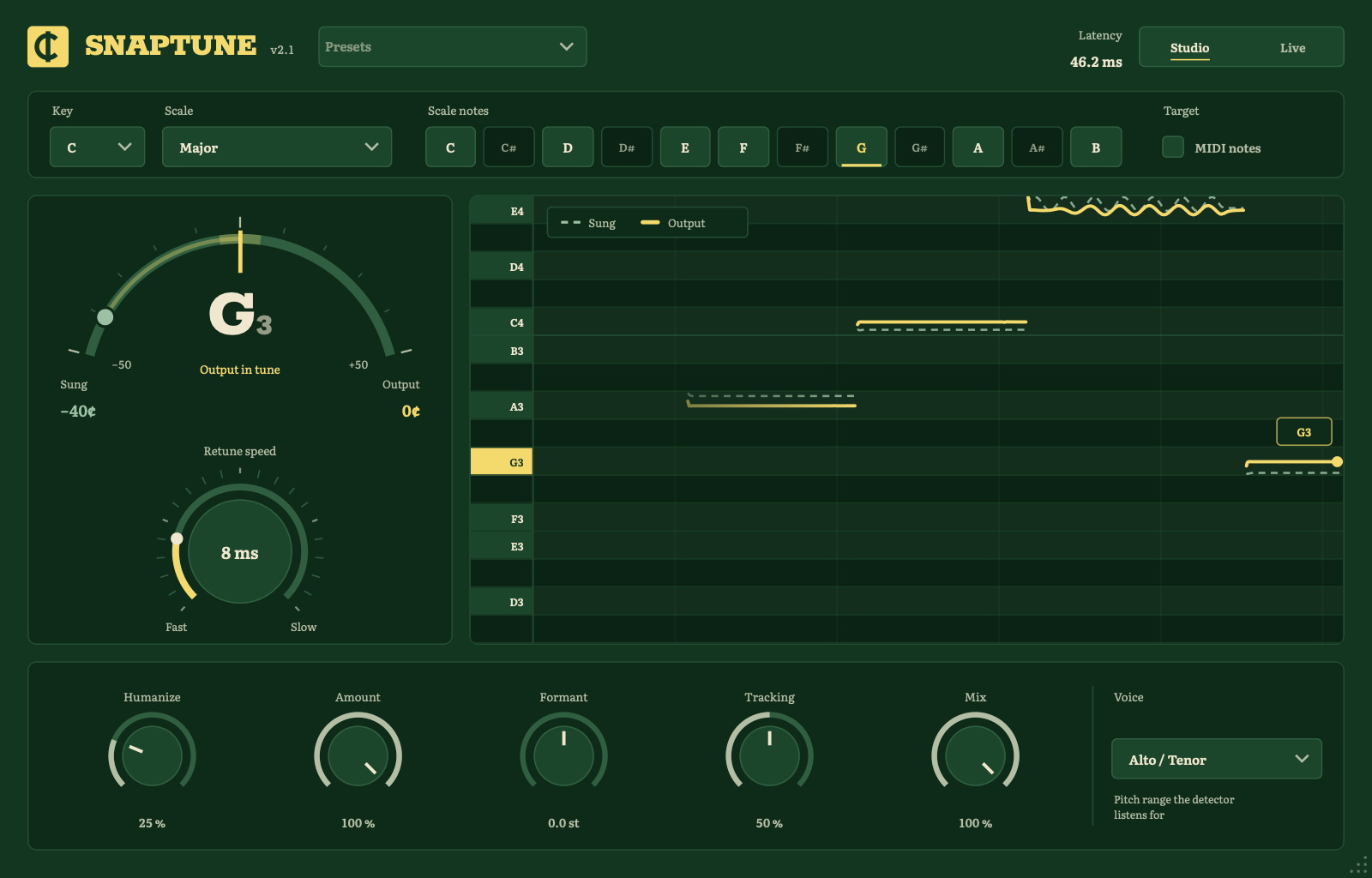
SnapTune is a separate VST3 (and an Audio Unit on a Mac) for when you want more: 13 scales or notes picked by hand, a Retune Speed knob that runs from 0 ms up, Humanize, MIDI target notes, a Formant knob and a 2.7 ms Live mode to record through. It’s open source, and the same plugin loads in other DAWs if you ever move.
Install and find it
- Download SnapTune for your system and run the installer. It puts the VST3 where FL Studio looks for it (and, on a Mac, the Audio Unit too).
- Quit FL Studio completely and open it again.
- Open Options, Manage plugins, and run the scan for installed plugins. SnapTune shows up in the list.
- On the Mixer, select the vocal’s insert track, click an empty effect slot and choose SnapTune.
The hard-tune sound
- Set Key and Scale to the key of your beat.
- Pick the Hard Tune preset, or set Retune Speed to 0 ms.
- If a low voice isn’t followed well, set Voice to Low Male. If the take is breathy or the room echoes, raise Tracking.
Recording through it
Switch to Live while you record: SnapTune answers in 2.7 ms, so you hear yourself tuned in your headphones. Switch back to Studio when you mix; FL Studio compensates its 46 ms automatically.
Tuning to a melody you write
Turn on MIDI notes in SnapTune and set the wrapper’s MIDI input port. Add a MIDI Out channel on the same port and draw the melody in the piano roll: while a note is held, the voice is tuned to it, in any octave.
Questions
Does it work in FL Studio Fruity Edition? Yes. SnapTune is a separate plugin, so it loads in any FL Studio edition that loads third-party VST3 plugins.
Do I need it if I have AutoTune Go? Not always. For a quick tune in a major or minor key, AutoTune Go is a fine start. SnapTune is for other scales, a melody from MIDI, the Formant knob, a live mode to record through, or the same plugin outside FL Studio. Both are free, so try them side by side.
Is it a replacement for Pitcher? For real-time tuning, yes: key and scale, retune speed from robotic to natural, MIDI target notes and a live mode. It isn’t a note-by-note editor like Newtone.
An update doesn’t show up in FL Studio. FL Studio keeps the old plugin loaded until it restarts. Quit it completely and open it again.
Is SnapTune the same as Auto-Tune? No. Auto-Tune is a trademark of Antares Audio Technologies, and SnapTune has no connection to them. People say “autotune” for any pitch correction; SnapTune is an independent, open-source one, built on published methods that its README explains.